Best AI Tools in 2026: 15 Tools Actually Worth Using
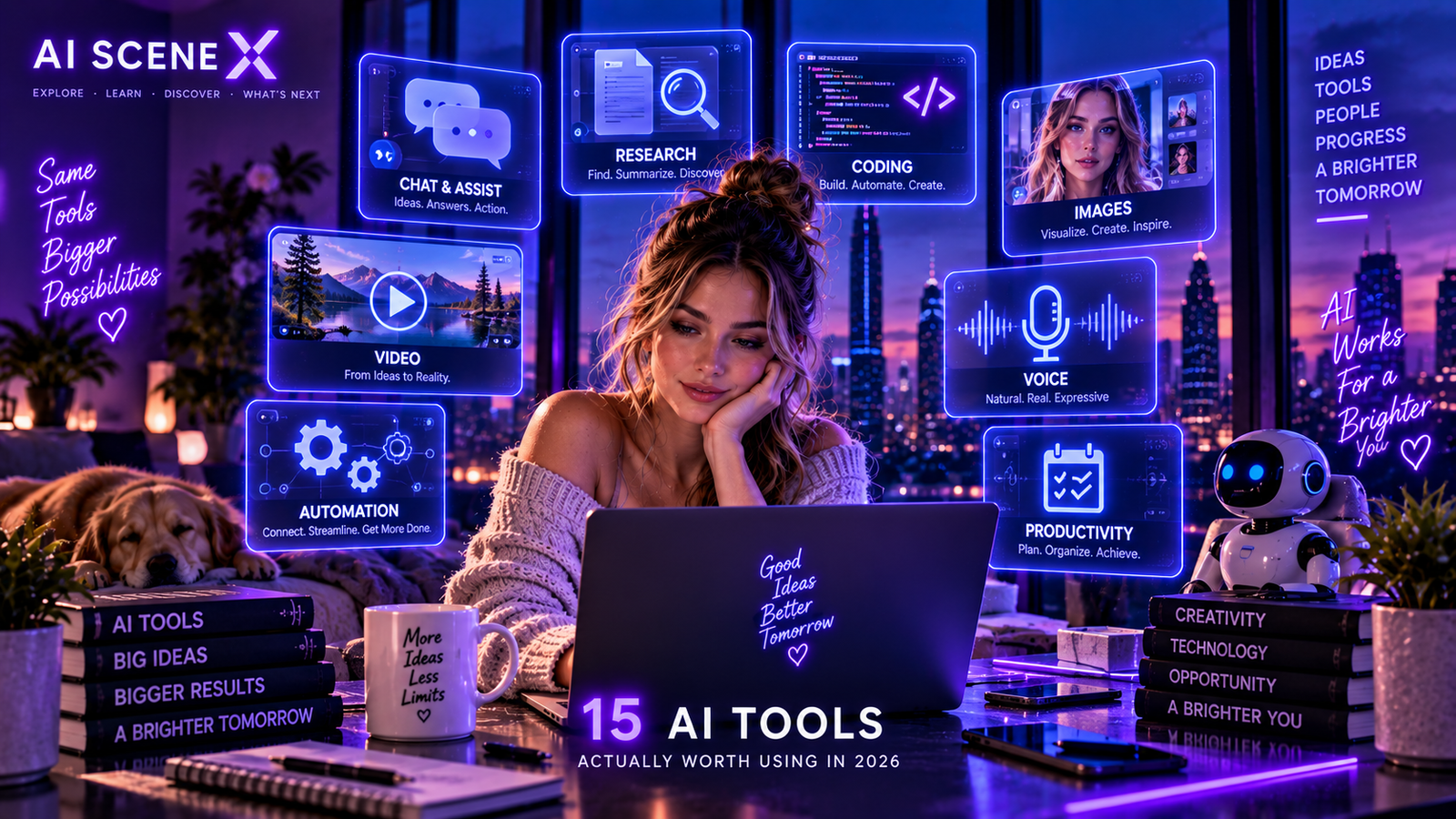
There are thousands of AI tools competing for attention in 2026. These 15 stand out for research, writing, coding, images, video, voice and getting real work done.
The best AI tools are no longer just chatbots
The AI software market has exploded.
Every week seems to bring another assistant, image generator, coding agent or productivity platform promising to transform the way we work.
Most people do not need hundreds of AI tools.
They need a small number of good ones.
And in 2026, the biggest change is that the strongest AI products are moving beyond generating answers.
They are increasingly helping users complete work.
OpenAI describes this transition as a move from short, self-contained chatbot interactions toward agents capable of working independently on longer tasks, using tools and iterating toward a result.
So instead of creating another enormous directory, we selected 15 AI platforms worth knowing across the categories that matter most.
1. ChatGPT — Best all-around AI assistant
ChatGPT remains one of the most versatile AI products available.
It can help with writing, brainstorming, research, coding, file analysis, images and complex reasoning.
But its evolution beyond conventional chat is what makes it particularly important in 2026.
ChatGPT Work can carry out longer multi-step projects across apps and files and produce finished work such as documents, spreadsheets, presentations and web applications. OpenAI says more than five million people use Codex weekly, including more than one million people using it for work outside software development.
Best for: People who want one AI platform capable of handling many different kinds of work.
2. Claude — Best for writing and complex knowledge work
Claude has developed a particularly strong position in professional knowledge work and coding.
It is useful for analyzing large amounts of information, drafting and editing documents, reasoning through complex material and working with code.
Anthropic continues to expand both its frontier models and agentic capabilities.
Its Claude Code product has also become an important part of the developer-tool landscape. A 2026 JetBrains survey found Claude Code was used at work by approximately 39% of professional developers surveyed, up from 18% earlier in the year.
Best for: Writers, analysts, researchers and developers working with complex material.
3. Google Gemini — Best for the Google ecosystem
Gemini’s biggest advantage is not simply Google’s AI models.
It is Google’s ecosystem.
AI increasingly connects with Search, Workspace, Android and Google’s broader collection of services.
Google is also pushing aggressively into agentic workflows. At I/O 2026, the company expanded Gemini’s agent capabilities and introduced tools designed to let developers orchestrate multiple agents and automate longer workflows.
For people already living inside Google’s ecosystem, that integration can be extremely valuable.
Best for: Google Workspace and Android users.
4. Perplexity — Best for AI-powered web research
Perplexity helped popularize a different way of searching the web.
Instead of presenting only a page of links, it combines search with generated answers and visible sources.
That makes it particularly useful when you want to explore a subject quickly, discover relevant sources and continue asking questions about the results.
It does not eliminate the need to check primary sources.
But as a research starting point, the combination of search and conversational AI can save significant time.
Best for: Web research, source discovery and fast topic exploration.
5. NotebookLM — Best for researching your own sources
NotebookLM solves a different research problem.
Instead of asking AI about the entire internet, you give it your own source material.
That could include reports, research papers, documents or other reference material.
The AI can then help organize and explore those sources.
Google is also using NotebookLM technology inside its scientific research initiatives. Its Literature Insights system, for example, is designed to synthesize findings across scientific literature.
Best for: Students, researchers and professionals working from a defined collection of documents.
6. Claude Code — Best AI coding agent
AI coding has moved far beyond autocomplete.
Coding agents can inspect projects, write and modify code, execute commands, identify problems and iterate toward solutions.
Claude Code is one of the clearest examples of that shift.
JetBrains’ 2026 developer research found AI coding-agent adoption had become widespread, with 90% of professional developers surveyed using some form of AI coding agent at work at least weekly. Claude Code was the most widely used individual coding tool in that study.
Best for: Developers who want an agent capable of working across real codebases.
7. OpenAI Codex — Best for agentic coding and automation
Codex began as a developer tool but is increasingly moving into broader knowledge work.
OpenAI reports that users are delegating progressively longer tasks to Codex and that non-developer adoption has grown rapidly.
Knowledge workers are using it for research, data analysis, reports, spreadsheets, presentations, workflow automation and lightweight internal tools.
That makes Codex interesting beyond software development.
It illustrates where the AI-tool market itself is heading:
from assistants toward digital workers.
Best for: Coding, automation and longer multi-step work.
8. Cursor — Best AI-first code editor
Cursor approaches AI development from inside the editor.
Instead of constantly moving between a chatbot and a codebase, developers can use AI directly within their development environment.
That makes it useful for generating code, understanding unfamiliar projects, making changes across files and accelerating everyday programming work.
The distinction between AI code editors and autonomous coding agents is becoming increasingly blurry, but Cursor remains one of the major names developers should know.
Best for: Developers who want AI deeply integrated into their coding environment.
9. Midjourney — Best for creative AI imagery
Image generation is now a mature category of generative AI.
Midjourney remains particularly relevant for visually ambitious work where style and artistic direction matter.
Creators use tools in this category for concept art, advertising ideas, mood boards, editorial imagery, product concepts and social media assets.
The important shift in 2026 is consistency.
Image generators are increasingly useful not simply for creating one impressive picture, but for developing repeatable visual identities and production workflows.
Best for: Designers, artists and creators prioritizing visual style.
10. Adobe Firefly — Best for professional creative workflows
Adobe’s advantage is workflow.
Firefly sits within a much larger creative ecosystem used by designers, photographers, marketers and production teams.
Generative features can therefore become part of an existing creative process rather than a separate experiment.
That matters for professional users who need to move from an AI-generated idea into editing and production.
Best for: Designers and creative professionals already using Adobe tools.
11. Runway — Best for AI video creation
Video remains one of the fastest-moving areas of generative AI.
Runway has become one of the major platforms associated with AI-assisted video creation.
The technology can support concept development, generated shots, visual effects and other creative workflows that previously required substantially more production resources.
AI video is not replacing conventional filmmaking.
It is creating another production layer between imagination and finished media.
Best for: Creators, marketers and filmmakers experimenting with generative video.
12. ElevenLabs — Best for AI voice
AI-generated speech has improved dramatically.
ElevenLabs is one of the most recognizable platforms in this category, providing tools around synthetic speech, voice and audio.
Applications range from narration and localization to conversational experiences and content production.
Voice is also becoming increasingly important as AI interfaces move beyond typing.
Best for: Voiceovers, narration, localization and conversational audio.
13. Canva — Best AI tool for everyday content creation
Not everyone needs a professional design suite.
Canva’s strength is making content creation accessible.
AI features increasingly sit alongside templates, presentations, social posts, graphics and other everyday creative tools.
For small businesses and creators, that combination can be more valuable than using a collection of specialized AI applications.
Best for: Small businesses, social media creators and non-designers.
14. Notion AI — Best for AI inside a workspace
The future of productivity AI may not involve opening a chatbot every time you need help.
AI can instead live inside the place where your work already exists.
That is the appeal of Notion’s AI capabilities.
Documents, notes, project information and organizational knowledge can become context for AI-assisted workflows.
This broader movement toward context-aware workplace agents is happening across the productivity industry; Microsoft Research, for example, is focusing on procedural memory, orchestration and enterprise-grounded reasoning for agents operating across workplace software.
Best for: Teams already organizing projects and knowledge in Notion.
15. Zapier — Best for AI automation without heavy coding
Generating text is useful.
Connecting AI to actual business processes can be much more valuable.
Automation platforms such as Zapier allow users to connect applications, triggers and actions without building every integration manually.
Add AI into those workflows and tasks can become more intelligent: classifying information, summarizing content, generating responses or routing work based on context.
This is where AI becomes less visible but potentially more useful.
Best for: Business automation and connecting AI with existing applications.
Which AI tool should you choose?
There is no single winner for everyone.
If you want one broad AI platform, start with ChatGPT, Claude or Gemini.
For web research, look at Perplexity.
For research based on your own documents, NotebookLM deserves attention.
Developers should compare Claude Code, Codex and Cursor.
Creative professionals can build around Midjourney, Firefly, Runway and ElevenLabs depending on whether their work centers on images, video or voice.
And businesses interested in workflow automation should think beyond chatbots entirely.
Don’t build a collection. Build an AI stack.
This may be the most useful advice in this entire guide.
You do not need 15 subscriptions.
A freelancer might need:
one general AI assistant,
one research tool,
and one creative tool.
A developer might need:
one general reasoning model,
one coding agent,
and one AI-first editor.
A marketing team might need:
one assistant,
one image platform,
one video platform,
and one automation layer.
The objective is not to use more AI.
It is to eliminate unnecessary steps from your work.
The biggest AI-tool trend of 2026
The most important transition is already visible.
AI tools are moving from:
“What can I help you answer?”
toward:
“What can I complete for you?”
Google is developing systems capable of orchestrating multiple agents in parallel. OpenAI reports increasingly long-running delegated tasks. Research into workplace agents is focusing on memory, orchestration and real-world execution.
That suggests the next generation of successful AI products will not necessarily be those with the most impressive chat interface.
They will be the ones that can reliably turn intent into completed work.
The bottom line
There has never been more choice in AI software.
That is both exciting and inconvenient.
The winners in 2026 are increasingly becoming platforms that combine strong models with useful interfaces, context, tools and the ability to take action.
Experiment.
Keep the products that genuinely save time or expand what you can accomplish.
Cancel the ones that do not.
Because the best AI stack is not the one with the most tools.
It is the one you actually use.