Best AI Video Generators in 2026: 10 Tools Compared
AI video generation has advanced dramatically in 2026. We compare 10 of the best AI video generators for cinematic clips, social media, marketing, image-to-video, avatars and creative production.
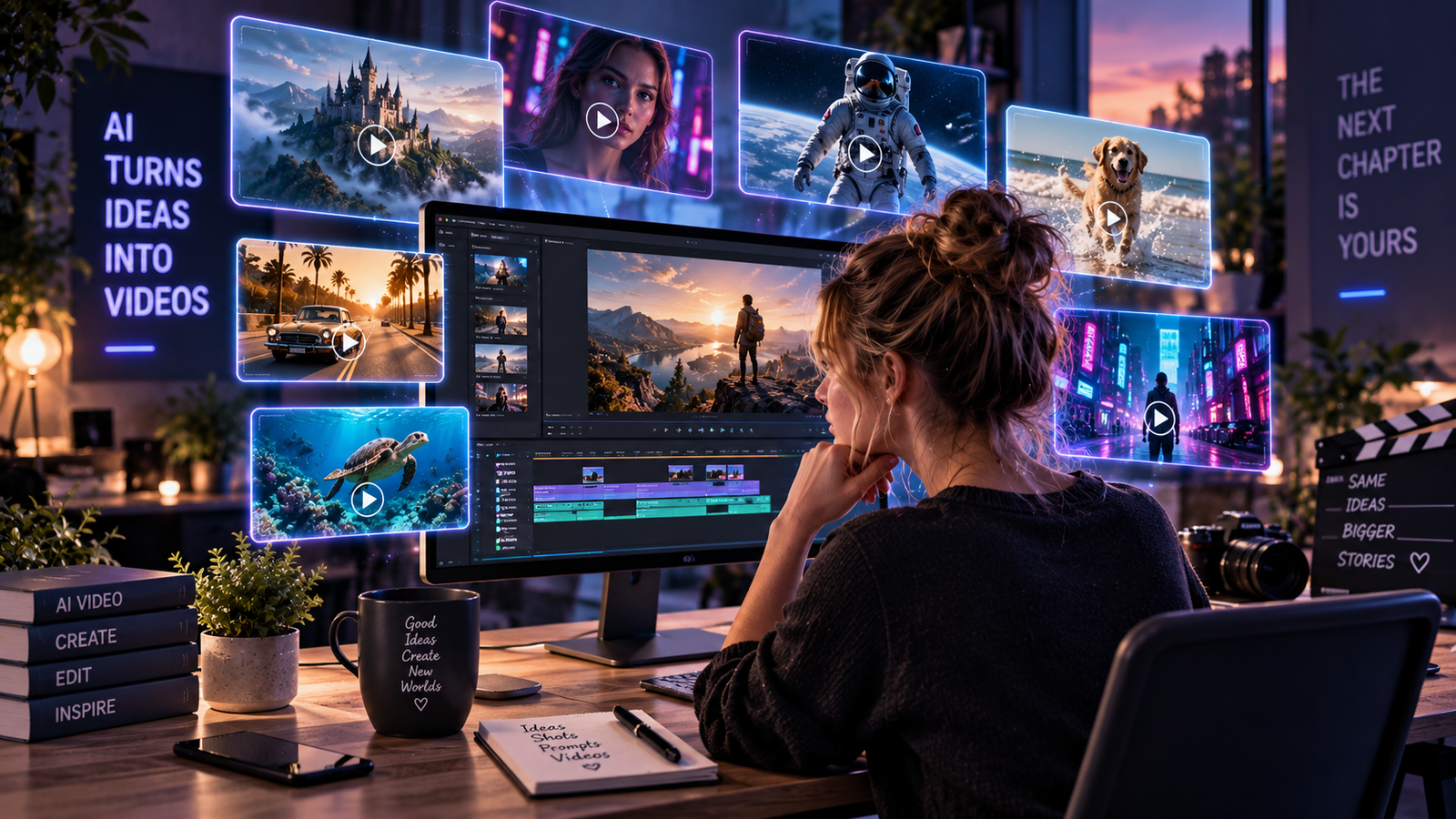
AI video generation has moved from experimental clips to a serious creative tool.
In 2026, creators and businesses can generate cinematic scenes, animate still images, create marketing content, build social videos and experiment with AI-generated audio and dialogue without a traditional production setup.
But the best platform depends heavily on what you are trying to create.
Some AI video generators prioritize realism. Others give creators more control over camera movement, characters or source images. Some are designed for fast social content, while others are becoming serious filmmaking tools.
Here are 10 AI video platforms worth knowing in 2026.
Best AI Video Generators: Quick Comparison
| Platform | Best For | Standout Strength |
|---|---|---|
| Google Veo | Cinematic AI video | Realism, native audio and prompt adherence |
| Runway | Creative control | Directing motion and complex scenes |
| Kling AI | Image-to-video | Motion and character animation |
| Adobe Firefly | Commercial creative workflows | Adobe ecosystem integration |
| Luma | Cinematic experimentation | Dynamic motion and visual style |
| Pika | Social content | Fast creative effects |
| Hailuo AI | Short-form generation | Accessible image animation |
| PixVerse | Viral video effects | Fast stylized content |
| HeyGen | Talking avatars | Presenter and business video |
| Synthesia | Corporate video | Training and presentations |
1. Google Veo — Best Overall for Cinematic AI Video
Google's Veo family has become one of the most important players in generative video.
Veo 3.1 combines text-to-video and image-to-video generation with native audio capabilities, allowing generated scenes to include sound effects, ambience and dialogue.
Google also emphasizes improvements in prompt adherence, realistic physics and creative control.
For creators trying to generate complete cinematic moments rather than silent visual experiments, native audio is a significant advantage.
Best for: cinematic video, realistic scenes, storytelling and audio-video generation.
Why it stands out: strong visual generation combined with native sound.
2. Runway — Best for Creative Control
Runway remains one of the strongest dedicated AI video platforms for creators who want more control over a shot.
Its Gen-4.5 model supports both text-to-video and image-to-video generation and is designed to follow detailed instructions involving camera choreography, scene composition and sequences of events.
That makes Runway particularly useful when a creator wants to direct a scene rather than simply generate a surprising result.
Runway also provides a broader creative environment around its generation models, making it attractive for users who want AI video to become part of a repeatable production workflow.
Best for: filmmakers, advertising concepts and controlled cinematic generation.
3. Kling AI — Best for Image-to-Video Animation
Kling has become a popular option for turning still images into moving scenes.
That workflow is especially valuable when the creator already has a strong source image and wants AI to add camera movement, character motion or environmental animation.
Image-to-video can also provide more visual consistency than repeatedly creating an entirely new scene from text.
This makes Kling useful for social creators, AI characters, product concepts and cinematic experiments based on existing artwork.
Best for: image-to-video, character animation and short cinematic clips.
4. Adobe Firefly — Best for Commercial Creative Workflows
Adobe has positioned Firefly Video around professional creative production and integration with its larger ecosystem.
Firefly can generate video from text descriptions and can also animate images using prompts and keyframes.
Adobe provides controls for aspects such as camera angles, movement, resolution and composition, while Firefly increasingly serves as a gateway to Adobe and partner video models.
For businesses and creative teams already working inside Adobe products, that integration may be more valuable than choosing a standalone generator based purely on model quality.
Best for: marketers, designers and Adobe-based creative teams.
5. Luma — Best for Cinematic Experimentation
Luma has established itself as another serious platform in the generative-video race.
Its video technology is particularly interesting for creators experimenting with cinematic motion, dramatic environments and visually ambitious scenes.
Rather than treating AI video purely as a social-media novelty, tools in this category increasingly aim to fit into larger creative workflows.
Best for: cinematic experimentation, visual concepts and creative production.
6. Pika — Best for Fast Social Content
Not every creator needs a filmmaking platform.
Sometimes the goal is simply to create something visually interesting enough to stop someone scrolling.
Pika is useful for short creative transformations and effects that fit naturally into social-media workflows.
That makes it a different proposition from tools focused primarily on realistic cinematic production.
Best for: social media, visual effects and quick creative experiments.
7. Hailuo AI — Best for Accessible Short-Form Generation
Hailuo has become another recognizable name in AI video, particularly around short clips and image animation.
Its appeal is straightforward: users can experiment with motion without building a complicated professional workflow.
For creators who already generate AI images, that can provide an easy path from static content into short video.
Best for: short-form clips and image animation.
8. PixVerse — Best for Viral AI Effects
PixVerse occupies the faster, more playful side of AI video generation.
It is particularly relevant for creators who care about stylized transformations, effects and shareable short-form content.
That does not make it the first choice for every professional production, but social content operates under different rules from filmmaking.
Speed and novelty can sometimes matter more than perfect realism.
Best for: viral content, effects and social experimentation.
9. HeyGen — Best for AI Presenter Videos
HeyGen solves a different video problem.
Instead of primarily generating cinematic environments, it focuses heavily on AI avatars and presenter-style content.
Businesses can use this category of technology for explainers, marketing messages, localized content and other situations where a digital presenter is more useful than a cinematic scene.
Best for: talking avatars, marketing and presenter videos.
10. Synthesia — Best for Business and Training Videos
Synthesia is another platform centered around avatar-based video rather than cinematic generation.
Its strongest use cases are corporate communication, employee training, educational material and presentations.
For a company that needs to produce many informational videos, that can be considerably more useful than generating dramatic AI scenes.
Best for: corporate training, explainers and internal communication.
What Happened to OpenAI Sora?
Sora was one of the products that originally brought enormous mainstream attention to AI-generated video.
However, OpenAI states that the Sora product is no longer available as of April 26, 2026.
For that reason, we have not ranked Sora among the best AI video generators currently available to users in this guide.
This also illustrates how quickly the AI video market changes. A platform that dominates comparison articles one year may no longer be a practical recommendation the next.
Which AI Video Generator Is Best?
There is no single winner for every workflow.
If your priority is high-end cinematic generation, Google Veo is one of the strongest places to start.
If you want detailed creative control, Runway deserves serious consideration.
For image-to-video workflows, Kling is particularly interesting.
Businesses already working inside Adobe's ecosystem should look closely at Firefly.
For fast social experiments, tools such as Pika, PixVerse and Hailuo may be more practical.
And if you need a person presenting information rather than a generated cinematic scene, HeyGen or Synthesia may be the better category entirely.
Text-to-Video vs Image-to-Video
One of the most important choices is whether to start from text or an existing image.
Text-to-video gives the model more creative freedom. You describe the scene and the system generates the visual world.
Image-to-video starts with a visual reference and adds motion.
For creators trying to maintain a particular character, product or artistic direction, image-to-video can be particularly useful because the initial frame already defines much of the appearance.
Text-to-video is often better when exploration and unexpected creative results are part of the goal.
Native Audio Is Becoming a Major Differentiator
AI video is increasingly moving beyond silent clips.
Google's Veo generation technology can create audio alongside video, including environmental sound, effects and dialogue.
This matters because audio generation traditionally required a separate production step.
As more video systems combine visuals, voices, music and sound effects, the distinction between an AI video generator and a broader AI production studio will become increasingly blurred.
AI Video for Marketing
Businesses do not necessarily need AI to produce an entire commercial.
More practical uses include product concepts, social clips, campaign prototypes, animated images, advertising variations and pre-visualization.
The ability to test an idea visually before committing to a traditional production can itself be valuable.
Small businesses exploring AI across other areas can also read our Best AI Tools for Small Business in 2026 guide.
AI Video and AI Image Generation Are Converging
The boundary between image and video generation is disappearing.
Creators increasingly generate a strong still image first and then animate it with an image-to-video model.
This makes image generators an important part of many AI video workflows.
For a broader look at that side of the creative stack, see our Best AI Image Generators in 2026 comparison.
How We Selected These Tools
This guide focuses on platforms with meaningful relevance to current AI video workflows rather than simply listing every product that can generate moving images.
We considered factors including:
- video quality and motion,
- text-to-video and image-to-video capabilities,
- creative control,
- audio capabilities,
- ease of use,
- business and creator use cases,
- and how each platform fits into a larger production workflow.
Features and availability can change quickly, so users should confirm current limits and commercial-use terms before choosing a platform for production work.
Final Verdict
AI video generation in 2026 is no longer dominated by a single obvious platform.
Google Veo is one of the strongest choices for cinematic generation and native audio, while Runway remains compelling for creators who want detailed control over how a scene moves.
Kling is particularly attractive for image-to-video work, and Adobe Firefly has an important advantage for businesses already operating inside professional Adobe workflows.
Meanwhile, Pika, Hailuo and PixVerse show that fast social content is becoming its own distinct branch of AI video generation.
The biggest shift is that AI video is becoming a workflow rather than a novelty.
Images, video, voices, sound and editing are gradually converging into a new generation of AI-powered creative production tools.
For a wider look at the AI software landscape, visit our Best AI Tools in 2026 guide.